

1. QRV: Are You Ready?
I’m ready. As I tie a ribbon around Random Wire issue 206 on Thursday morning, I’m also listening to QSOs between ground control and the ISS on AllStar node 516221 (thank you, WD5M). The crew has been working for several hours on rolling out the solar power array on the station. As you might imagine, there has been a lot of radio traffic.
I enjoy the voices, the content, and the rhythm of the exchanges. I like trying to picture what they’re doing from their detailed, step-by-step explanations. And there is often a touch of humor injected into the conversations. Very nice.
Better still, I’m listening through my newest AllStar node, the G1LRO RLNZ2.
But most of my time this week was spent on security. I spent very little time on radio play and a lot of time securing my platforms, including my amateur radio devices. Who cares about security? I do. We all should. I really don’t want to read about an amateur whose home network was hacked through a hotspot or node and whose retirement account was drained by a bad actor. That’s why I focused heavily on hotspot and node security last week and again in this issue.
No, it’s not radio, but it can affect our systems and our ability to enjoy the hobby.
Is this real? Yes. On October 27, using the internet scanner Shodan, I found about 170 AllStar node dashboards built on PHP, the web language hit by the PHP2Shell flaws. PHP2Shell is a pair of critical bugs that let an attacker run code on a server without logging in. All of these dashboards were reachable by anyone on the internet. At least 45 were on ordinary home internet connections (Comcast, Charter, AT&T, Verizon, and small rural telephone and electric co-ops). Being visible doesn’t mean they’re vulnerable, but each of those installs depends on the owner keeping PHP patched. And if your node runs PHP 8.1 or older, the PHP project no longer issues fixes for it. Unless your Linux distribution backports security patches, it’s time to upgrade. The Shodan search probably undercounts the real number. Takeaway: check your systems. Today.
I don’t think I’ve ever published so much in a single week: ten new posts on EtherHam, including the first two Linux: One Command posts, plus two new scripts on GitHub. Rest assured, this isn’t the new normal. It isn’t sustainable, but it’s what happens when I get passionate about a few topics. I did include a few gear articles to bring us back home to amateur radio!
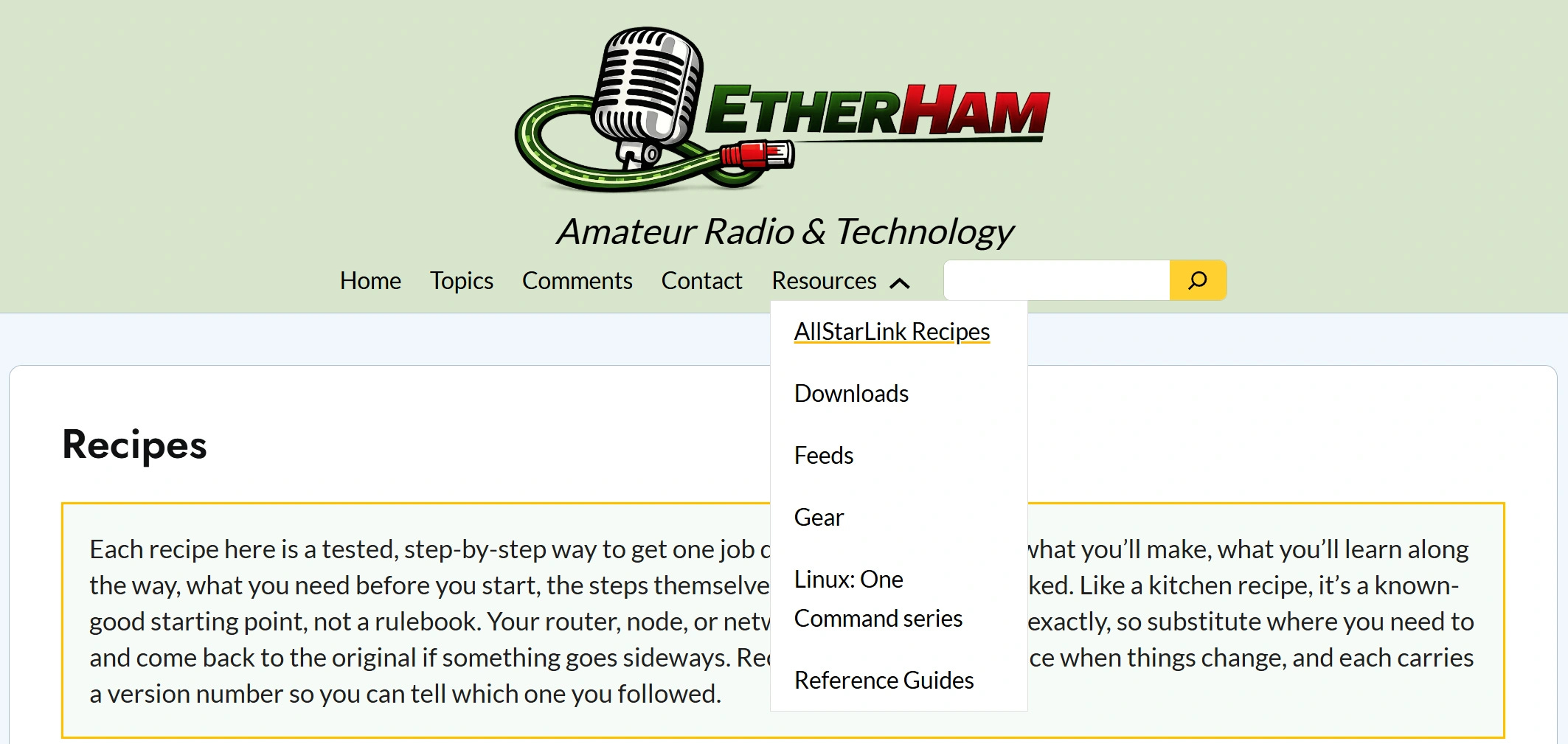
The new Recipes space is at: https://etherham.com/recipes/
The new Linux: One Command series is for those of us who want to get more comfortable with Linux commands, one command at a time. These posts are practical and far less cryptic than man pages and most other explanations. The series is at: https://etherham.com/linux-one-command/
Find both series from the Resources link in the menu:

2. QST: News and Notices
2.1 AllScan URI150 with the Ham Radio Crusader
Always informative, always entertaining. The Ham Radio Crusader reviews the new AllScan URI150 at https://youtu.be/EiT8TfvkoRM
2.2 ASL3 appliance update fixes the Fallback AP
AllStarLink released ASL3 Appliance 2.2.3-2 on October 26. It fixes bugs in the Fallback Access Point that kept DHCP from working properly. The access point now rejoins Wi-Fi networks when they come back in range. AllStarLink says this package will be promoted to main quickly, to fix problems with 2.2.2-1. If your node is on the appliance image, watch for it in your regular updates. The Fallback AP is now fully documented in the AllStarLink Manual.
More at: AllStarLink v3 Software Updates Release - 2026-10-26 and Fallback Access Point
2.3 Leaked CA keys: what to update
An Indian certificate authority, eMudhra, generated the private keys for eight of its intermediate certificates so badly that anyone could recover them in seconds. With one of those keys, an attacker who can intercept your traffic could pose as any website. Browsers, operating systems and Linux distributions are blocking the eight certificates, so the fix is mostly a matter of installing updates you may already be offered.
Browsers: update and restart Chrome, Firefox and Safari.
Computers and phones: install pending Windows, macOS and iOS updates.
Nodes and hotspots running Debian, Raspberry Pi OS or ASL3: the fix comes in the ca-certificates package.
On a node, log in and run these two commands:
sudo apt updatesudo apt upgradeIf ca-certificates isn’t in the list of upgrades yet, check again in a few days. Debian’s fix was still pending when the vendor tracking lists were published. To see what your node is waiting on, run this command, the subject of the first Linux: One Command post:
apt list --upgradableMore at: Leaked private keys for eight CA certificates let any attacker impersonate any domain and Mozilla, Google, Apple block compromised eMudhra CA certificates
2.4 One in 18 hams stop at the payment step
Amateur Radio Daily reports that about one in 18 hams fail to renew their license at the point where the FCC fee comes due. If you mentor newer hams or run a club, a renewal reminder could keep someone on the air. Ten years goes by faster than you think.
More at: 1 out of 18 Hams Fail to Renew at the Payment Point
2.5 POTA has a new website
Parks on the Air has launched a redesigned website. OnAllBands takes a first look at it. Separately, QRPer covers FieldQTH, a new planning map that shows park boundaries.
More at: A First Look at the New POTA Website and FieldQTH: A New Planning Map with Park Boundaries
2.6 Gmail data can now be used for ads
Google’s updated privacy policy allows data from Gmail and Drive to be used for ad targeting. You can opt out, and Lifehacker explains how.
More at: Google Is Using Data From Gmail and Drive to Target Ads, but You Can Stop It
3. Thank You for the Coffee

I’m deeply appreciative of “J”, who signed up as a monthly supporter through my Buy Me A Coffee page. Monthly support isn’t everyone’s cup of tea (or coffee!), but it’s a great way to help out.
4. New on EtherHam
Recommendation: start with Small Boxes, Big Doors. It puts several of the articles that follow into context.
4.1 Small Boxes, Big Doors

Looking back over two weeks of security work on my own network, I found a habit I didn’t know I had: treating small boxes as posing small risks. My Raspberry Pi node had missed a critical fix, my router was full of stale port forwards, and a new node the size of a deck of cards arrived as a full Linux server with 91 updates waiting. The hotspots and nodes in your shack are real computers, with real risks. The articles below show what I found and how I fixed it.
Start with: Small Boxes, Big Doors
4.2 Checking the Locks: A Morning Security Review
When word of the PHP2Shell flaws broke, I spent a morning checking my own systems instead of assuming they were fine. My M17 reflector server turned out to be running vulnerable PHP, and patching it took about five minutes without dropping a single user. A WordPress site looked unpatched but wasn’t, and a neglected domain account finally got two-factor authentication. The lesson: verify what’s actually running, rather than trusting version numbers or a provider’s reassurance.
Learn more: Checking the Locks: A Morning Security Review
4.3 PHP2Shell and Your AllStar Node: A One-Command Check (CVE-2026-109618, CVE-2026-109619)
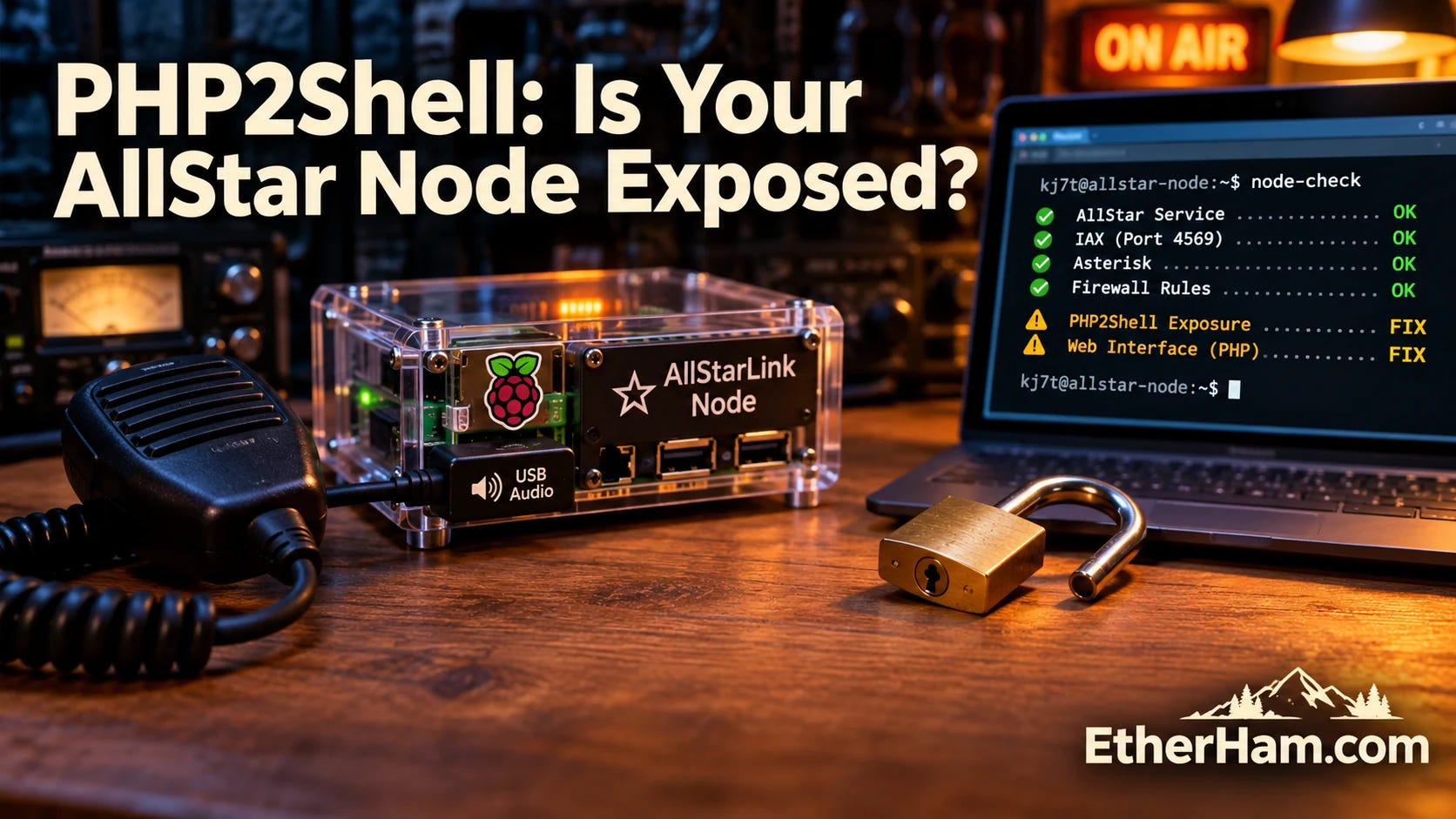
Two critical PHP flaws let an attacker run code on a web server without logging in, and the dashboards on most AllStar nodes run on PHP. One of my own nodes had missed the fix, with automatic updates switched off. This article explains the risk in plain language and introduces asl-node-check, a free, read-only script that tells you whether your ASL3 node is patched and gives you the exact command to fix anything it finds.
Read the guide: PHP2Shell and Your AllStar Node: A One-Command Check
4.4 One Cheap Switch, One Long-Overdue Cleanup
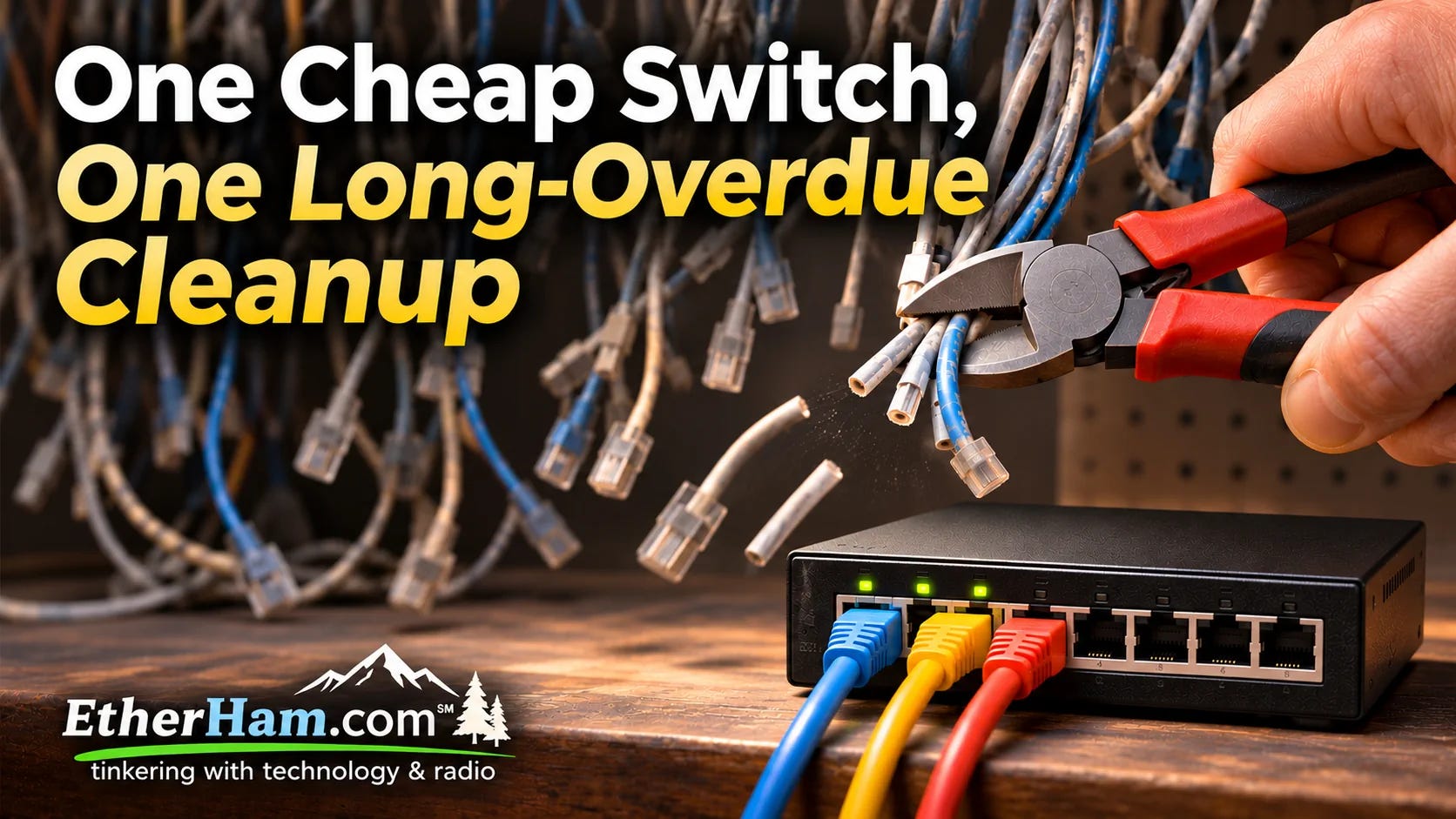
A $30 TP-Link switch was supposed to be a simple swap. Instead, it sent me into my router, where I found more than 40 port-forwarding rules, most of them stale, including five that exposed an AllStar node’s control port to the internet. This is the cleanup story, plus how I used the switch’s port isolation so a compromised device can’t reach its neighbors. There’s a short hardening checklist at the end.
What I did: One Cheap Switch, One Long-Overdue Cleanup
Because it’s inexpensive and makes it easy for non-technical folks to isolate devices on their network, the TP-Link Omada ES208G switch earns an EtherHam Recommended endorsement.
4.5 Desired, Not Required: The FCC’s Advice to Carriers, for Hams
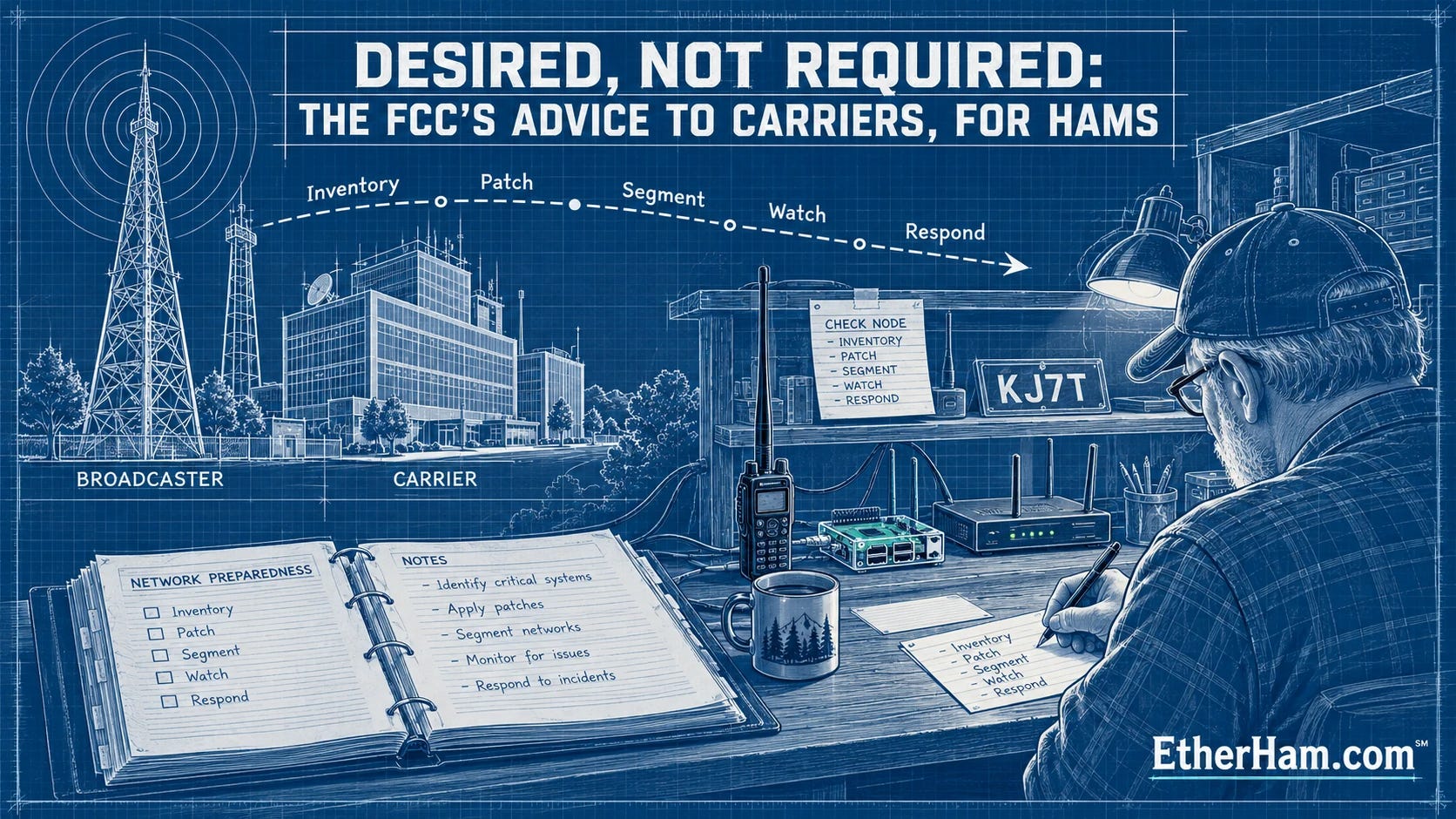
The FCC’s Public Safety and Homeland Security Bureau published a short cybersecurity guide for broadcasters and small carriers. It never mentions amateur radio, but our internet-facing nodes and hotspots are servers tied to our call signs. I’ve condensed its six steps into a practical checklist for the shack, using free tools you can run this weekend. Nothing in it is required. All of it is worth doing.
Read it: Desired, Not Required: The FCC’s Advice to Carriers, for Hams
4.6 Gear: A Friendly ASL Node With Surprises Inside
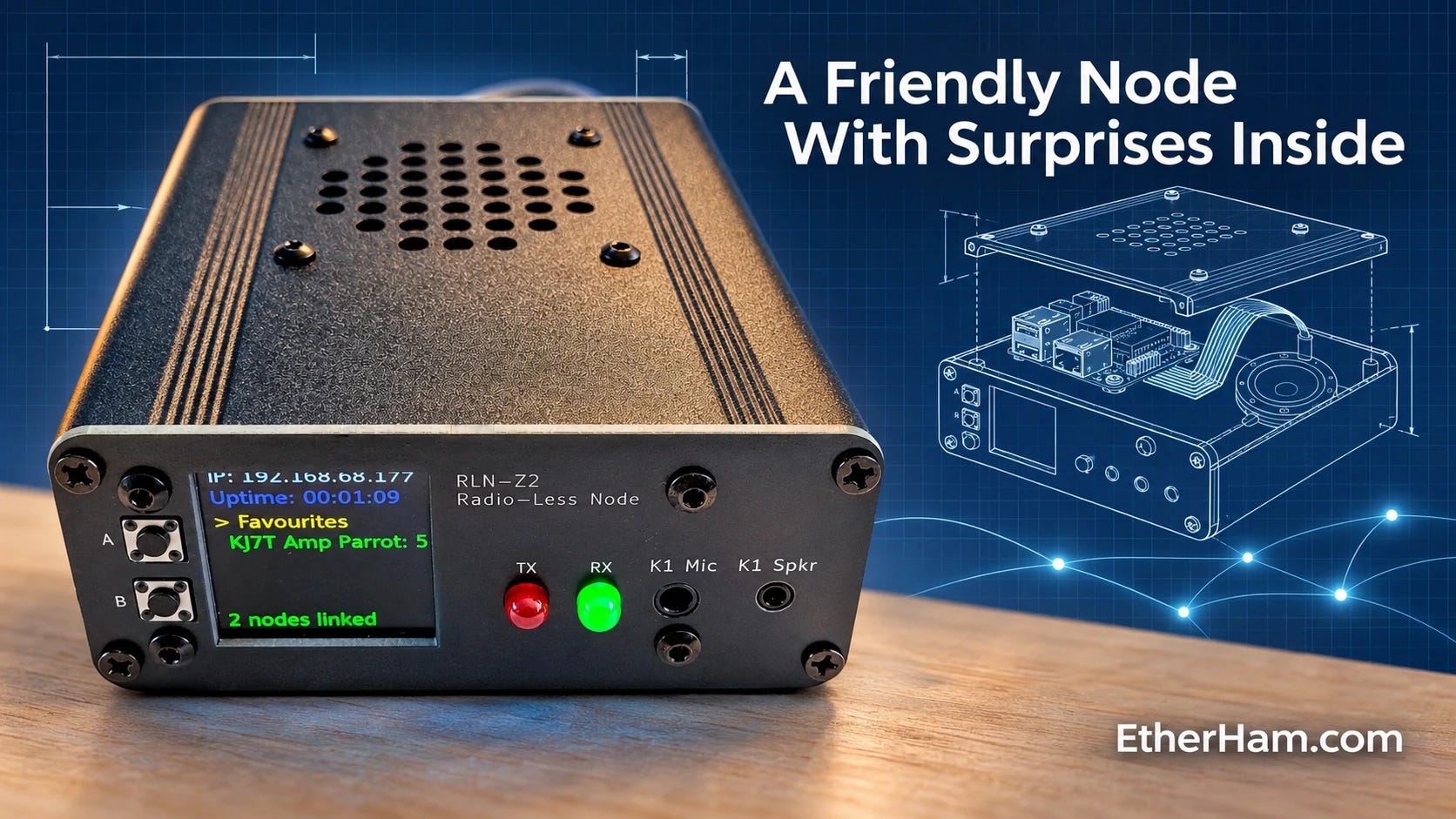
The G1LRO RLNZ2 is an all-in-one AllStar node from Guernsey, with good audio, a hand mic, and two-button linking from the front panel. Of course I looked under the lid. I found a few surprises, from four months of waiting updates to error reports sent to a server in Germany. The maker’s quick, open response to my questions turned out to be the best part of the story. If you own one, there’s a step-by-step check at the end.
Read the review: A Friendly ASL Node With Surprises Inside
4.7 Gear: Learning the Code on a Double Paddle
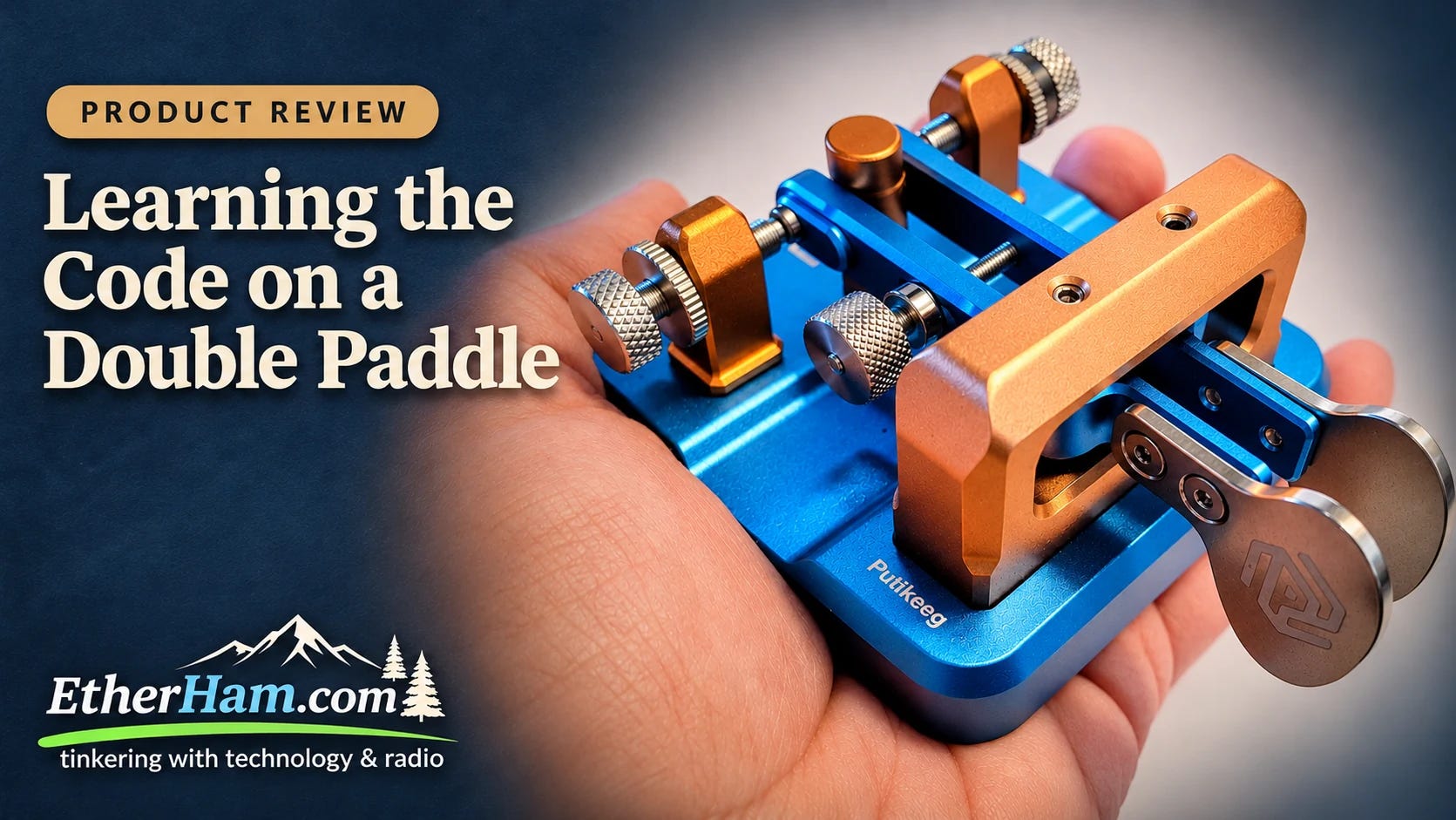
Morse code has beaten me before. This time I’m learning the code and iambic keying together, on the theory that two hard things are easier learned together than one at a time.
I picked an $89.98 Putikeeg double paddle: blue anodized base, stainless finger pieces, magnets that grip a steel desk, and a switch underneath that swaps dit and dah for left-handed operators. Here’s a beginner’s honest take on how it feels and who it suits.
First impressions at: Learning the Code on a Double Paddle
4.8 Weekly Report Runs
Each week’s report has four parts. The Short Stack is a curated list of links from more than 90 amateur radio, technology, and space feeds on EtherHam’s mega feeds page, sorted by an AI assistant and then trimmed and annotated by me. Band Conditions summarizes the latest solar and geomagnetic data from NOAA (and SIDC’s sunspot count when it’s available). Digital Radio News and the Groups.io Digest come from my own scripts: one gathers the week’s releases, code changes, and forum threads across the digital modes, with AI-written summaries and the raw sources linked so you can check them, and the other shows the busiest topics on about 30 mailing lists. I review everything before it goes out, but the generated sections can still contain errors, so please tell me in the comments if you spot one.
See: Weekly Report: October 28, 2026
5. Gear
5.1 One Cheap Switch, One Long-Overdue Cleanup
Covered above in section 4.4. Recommended twice over: I liked the first one enough to buy another from the same product line. I’ll report on the second switch next week.
5.2 A Friendly ASL Node With Surprises Inside
I really like this AllStarLink node. Covered above in section 4.6.
5.3 Learning the Code on a Double Paddle
I don’t have enough experience yet to recommend this paddle one way or the other. So far, though, I like it. Covered in section 4.7 above.
6. Shutdown monitor fix for AllStar nodes
If you installed the key-up shutdown monitor from my EtherHam TechNote, please update one line. A standard ASL3 install starts Asterisk once at boot and leaves it running. However, some ready-made node images and commercial nodes add their own startup scripts, and those scripts may stop and restart Asterisk a few minutes after power-on. I found this on a Pi Zero 2 W-based node whose script also shuts down its setup Wi-Fi hotspot. With the old service file, the monitor stopped along with Asterisk and never came back. It failed the worst way a service can fail: silently. No error, no complaint, just “inactive (dead)” in the status.
The fix is to change Requires=asterisk.service to Wants=asterisk.service in the service file. Log in to your node and run these commands one at a time.
First, make the one-line change:
sudo sed -i 's/^Requires=asterisk.service/Wants=asterisk.service/' /etc/systemd/system/shutdown-monitor.serviceNext, tell systemd to reread the service file:
sudo systemctl daemon-reloadThen restart the monitor:
sudo systemctl restart shutdown-monitorFinally, confirm that it’s running. Look for “active (running)” in the output:
systemctl status shutdown-monitorIf you built your node from a plain ASL3 install, you probably weren’t affected, but the change does no harm. The GitHub repo (github.com/EtherHamRadio/asl-shutdown-monitor) and the TechNote both have the corrected file, and the README has a new troubleshooting entry that explains how to check whether your node was affected.
7. Morse Key
Last week, I mentioned my new Putikeeg code key, and this week, I reviewed it. But I was remiss in not mentioning the key I already had: a CWMorse Iambic single paddle key with weighted steel base.
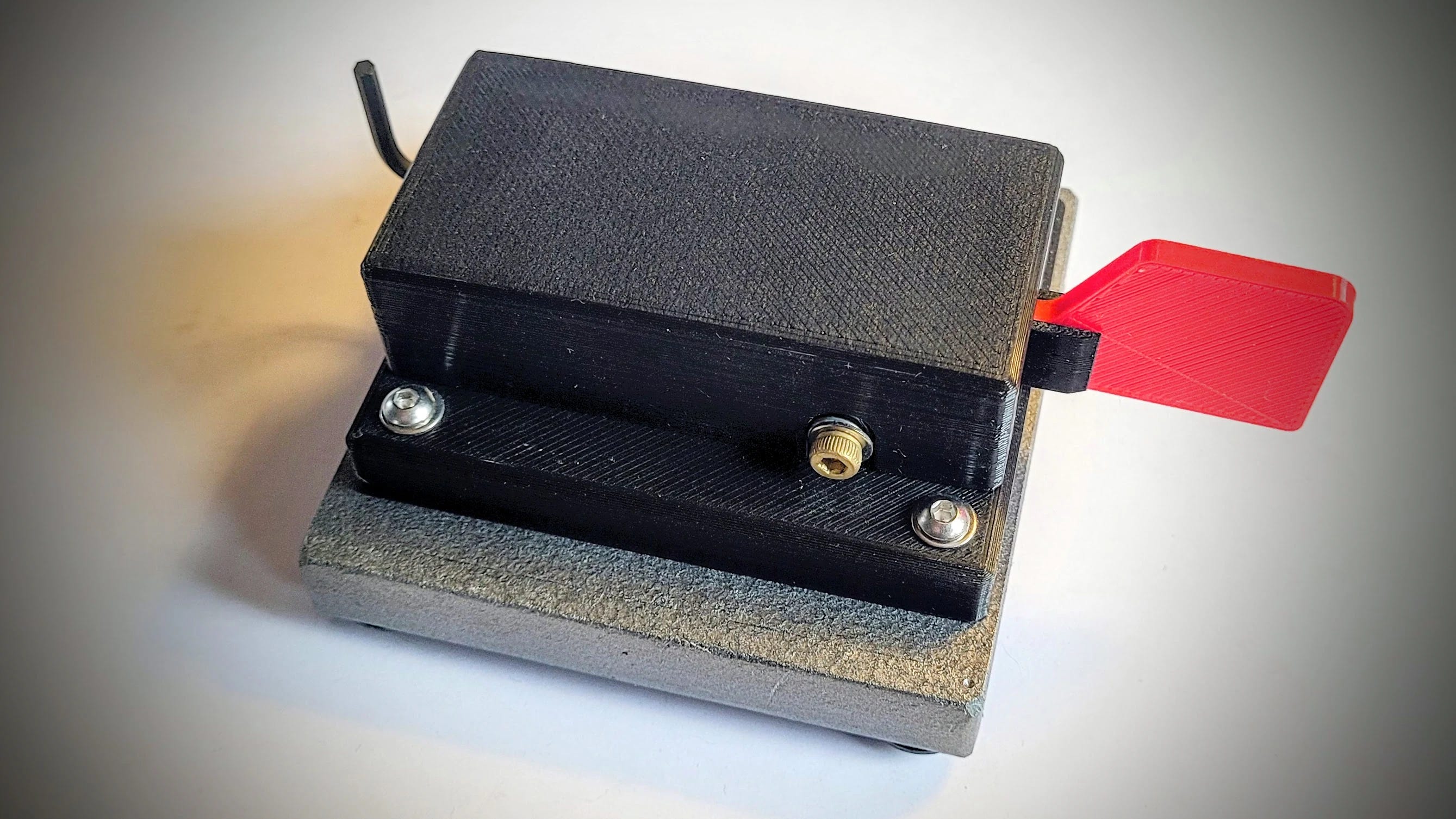
This is CWMorse’s spring-tension version, not their magnetic one, as you can see from the springs under the cover:
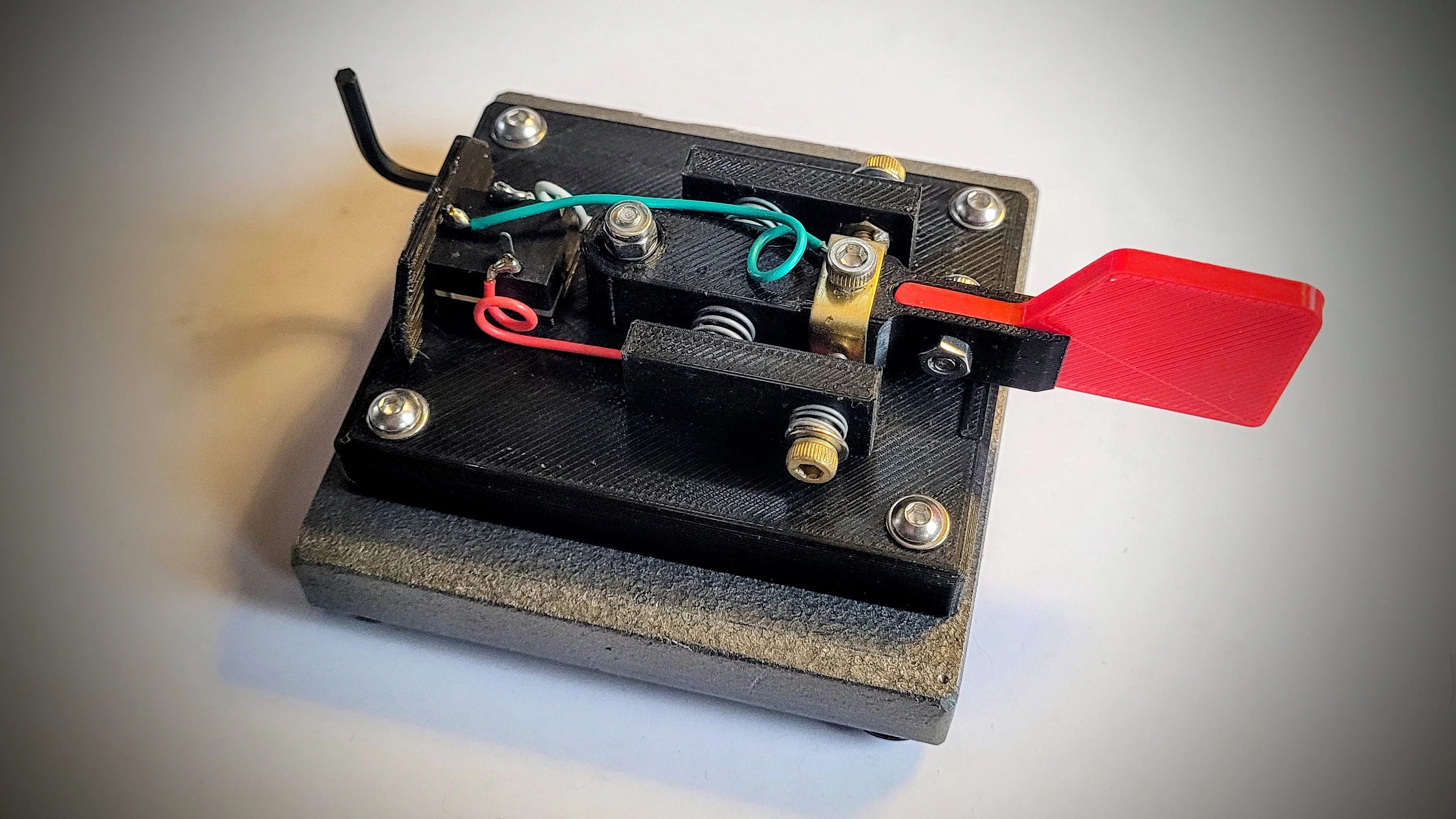
It has a very light action and that weighted base makes it rock solid on the desktop. I’ll confess that I use it more than my prettier Putikeeg key, simply because it feels better to me. (Despite the name, a single paddle can’t do true squeeze keying, so I use the double paddle key for iambic practice.)
It’s not a lovely thing to look at, but it works very nicely. This is a case not of form over function, but function over form. I may pick up the magnetic version just to see the difference in how it feels. My “hand” is very light, so the light action of the spring-based key seems just right.
8. QRT: End Transmission
It wasn’t all security and radio play this week. The amicus brief I’ve mentioned before, for my day job, was accepted by the court. We’ve fired our best arrows, and now we wait to see where they land.
My team at work has been traveling all over Washington State for regional meetings, and good things are already emerging from that investment of time and energy.
I’ve also previously mentioned my book manuscript. “Technical editing” started this past week. Translation: we are looking for flaws, errors, and unsupportable blanket statements. Because the manuscript is positioned as a primer, there are a lot of blanket statements. For new folks entering my work community, you don’t explain the physics of the hot burner on the stove — you start with: don’t touch it! The technical editing process will be painful but it will also strengthen the final product.
At home, I bought a large-ish digital picture frame:
Frameo 15.6’‘ Digital Picture Frame, Digital Photo Frame WiFi Large Display (affiliate link)
This was about $100 from Amazon. I loaded up an SD card with several hundred photos and have it running where my wife can see it. There are pictures from our 50 years together and I’ve caught her staring at the images. I hope they are helping her remember the great adventures we’ve had together.
If you buy that frame, be aware that while you can load pictures from your Google Photos gallery, it won’t access a Google Photos album. I was hoping it would, because I already had a trove of hand-selected images set aside in an album. My solution was to copy that album to the SD card and use the card as the source. That worked fine.

73, and remember to touch a radio every day!

Notice: As an Amazon Associate, I earn from qualifying purchases.